Key AI Concepts (4): Agents and Harnesses#
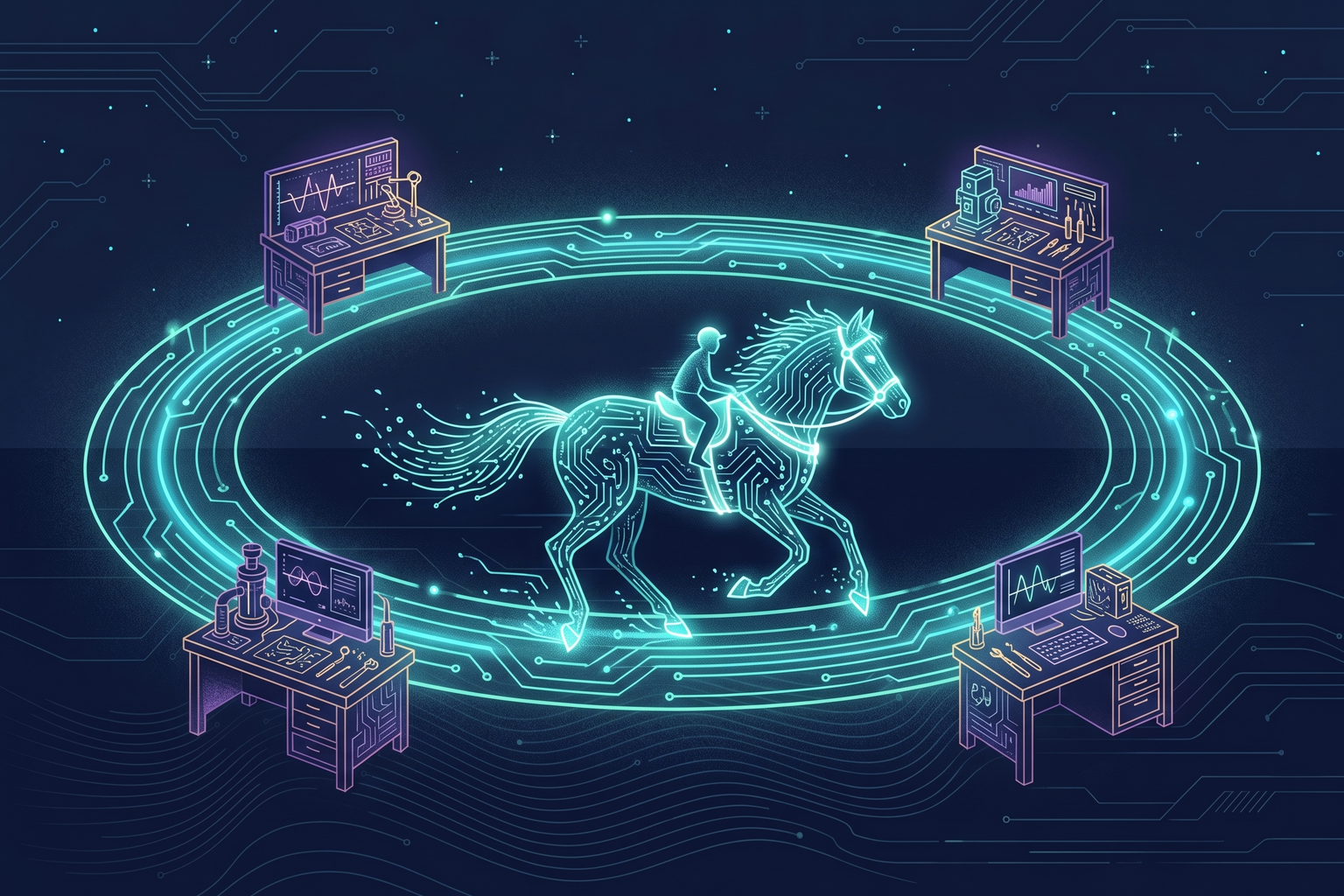
The previous three chapters covered LLMs, tool connections (RAG / Function Calling / MCP), and how to design instructions and context. This chapter binds those ingredients together into “a structure that pushes the work through to the end once a person gives it a goal”: the agent. It also makes the case that for an agent to be genuinely usable, the model’s intelligence alone is not enough; it needs the environment surrounding the model, the harness. This is the most important chapter in the book, and almost everything in the Execution section starts from here.
What an agent is#
Recall Function Calling from Chapter 2: the model asked “please call this function,” the server executed it, and returned the result. An agent is what you get when that round trip is repeated not once but until the work is finished. Given a goal, an agent makes a plan, calls tools, observes the results, and decides the next action again. If a test fails, it fixes the code and runs it again; if search results are thin, it searches again with different terms.
There is one important distinction here. Automation whose order is fixed in advance is a workflow; when the model decides the next step as it goes, that is an agent. “Take a document, summarize it, translate it, and save it” is a workflow; “fix this bug” is a job for an agent, because you cannot know in advance where to look or how many times to fix. Workflows are predictable and cheap; agents are flexible but expensive and hard to predict. In practice you mix the two: fix the big flow as a workflow and place an agent only at the steps that require judgment.
Agents can also call other agents. This is a structure in which a large task is split and handed to subagents, and the results are gathered back; a coding agent that divides work into “exploration on a light model, implementation on a strong one” is using this approach. Each subagent has its own context window, which has the side benefit of saving the parent’s context.
Why agents are hard#
In chat, when the model gets something wrong once, a person corrects it immediately. An agent stacks the next decision on top of the wrong one. So when you actually run agents, the same typical failure modes keep recurring. These are the ones I have experienced in company and personal projects.
- Context drift: as a session gets longer, the influence of the rules given at the start weakens, and the agent slowly strays from the original goal.
- Repeating the same mistake: when a session ends, the agent forgets everything. The problem solved yesterday comes back today.
- Quality variance: the same instruction produces results of uneven quality from session to session.
- Runaway cost: it repeats the same attempt at a dead end, uses the most expensive model for a light task, or re-reads a long context every turn.
- Plausible failure: it weakens the tests to make them pass, or reports “done” when the thing does not actually work.
- Boundary violations: it reads a file you told it not to read, runs a command you did not intend, or sends secrets outside.
The essence of these problems was not that the agent lacked intelligence, but that the environment surrounding the agent was not properly set up. Swapping in a better model only reduces these problems; it does not make them disappear. The environment has to be designed.
The harness: an environment for running agents safely#
Harness engineering is the infrastructure design discipline for operating AI agents safely and reliably. The term “harness” comes from the tack that controls a horse’s power, and it refers to the system that steers the powerful but unpredictable force of an agent in the right direction. The industry has settled on the definition “agent = model + harness,” and the phrase “the model is a commodity, the harness is the moat” is used often. With reports of benchmark scores rising sharply from changing only the harness while keeping the same model, people say that if 2025 was the year agents proved they could write code, 2026 is the year we realized the harness is the core.
| Element | Analogy | Description |
|---|---|---|
| Horse | AI model | Powerful and fast, but does not know where to go on its own |
| Harness | Environment and rules | The constraints, guardrails, and feedback loops that let the model’s power be used productively |
| Rider | Person | Does not run themselves; sets the direction and takes responsibility for the outcome |
The prompt engineering and context engineering of Chapter 3 are parts of the harness. The scopes differ. Prompt engineering deals with a single interaction, context engineering with the information the model sees, and harness engineering with the whole agent system (environment, constraints, feedback, lifecycle).
Components of a harness#
One line on each element.
- Context: ensures the agent has the right information at the right time. The rule files and design documents inside the repository, plus dynamic information such as logs and test results. The core rule is “what is not in the context does not exist,” so the repository must be the single source of truth.
- Memory: an agent is stateless by default and forgets everything when the session ends. Patterns, failure causes, and design decisions discovered during work are accumulated as files inside the repository so the next session reads them.
- Constraints: instead of saying “write good code,” enforce mechanically what good code looks like through linters, structure tests, and pre-commit checks. Paradoxically, narrowing the solution space makes the agent wander into fewer dead ends, so productivity goes up.
- Guardrails: on the input side, block prompt injection and secrets slipping in; on the output side, block harmful content and out-of-scope changes. File access permissions and sandboxes belong here too.
- Cost envelope: set a budget cap per task and have the harness enforce it. A task that hits the cap is not merely expensive; it is a signal that something is going wrong (a bad response, context drift, a tool error).
- Verification loop: proceed to the next step only after verifying the result of each one. Combine automatic verification such as tests and builds with human approval for high-risk actions. Of all the harness elements, this one has the highest payoff for the effort. If you are wondering what to build first, the verification loop gives the best return.
- Observability and evals: trace what the agent did, why it did it, and what happened at each step, and keep measuring performance against fixed criteria.
- Entropy management: over time, documents drift from the code, rules get bent little by little, and stale notes pile up in memory. Clean these up regularly.
How much to apply#
How deeply you apply a harness depends on the project’s scale and risk. Being a one-person startup does not mean you only need the lightest level. A blog and an automation pipeline need different harnesses even when the same person runs both.
| Level | Target | Composition | Risks addressed |
|---|---|---|---|
| Level 1 · Basic | Personal blog, docs, personal tools, side projects | Rule files, pre-commit checks, tests, memory files | Quality variance, context loss |
| Level 2 · Team / product | Web apps, SaaS backends | Level 1 + structural constraints enforced by CI, limits on the size of agent changes, review checklists | Excessive changes, variance between team members |
| Level 3 · Automation / production | Scheduled pipelines, external API integrations, systems with financial impact | Level 2 + cost envelopes, loop detection, context isolation, approval gates, observability dashboards | Runaway cost, infinite loops, duplicate runs, financial malfunction |
Applying Level 1 to a personal project takes about a day. For this blog I set up rule files, pre-commit checks (successful build, required frontmatter fields, image existence, Korean / English symmetry), memory files, and design decision records. Since then, even in a fresh session the agent immediately understands the writing style and structure, and “mistakes discovered after deployment” have disappeared. The overhaul of this book was also carried out on top of that harness.
By contrast, the ad automation pipeline at my company needed Level 3. Multiple agents run in parallel, call external APIs, and a wrong decision translates directly into ad spend. There, operation was simply impossible without per-task cost caps, detection of repeated identical tasks, and approval gates for high-risk actions.
Borrowing a harness someone else built#
You do not have to build the whole harness yourself. Packages that set up an agent’s operating environment are publicly available, and I call them “harness skills.” Unlike an ordinary skill that performs a specific task (“write a blog post”), these are skills that configure the operating environment itself: memory, guardrails, verification, roles. They range widely, from reinforcing code understanding and session memory, to breaking requirements into a task graph, to locking down a spec before implementing, to simulating a team with agents in multiple roles.
The principle I learned is the more opinionated the tool, the less you should adopt it wholesale. If you already have your own harness and install an all-in-one tool, the rules you have been refining can get overwritten. So I apply the low-intrusion ones that only add to existing patterns first, evaluate the opinionated ones in a separate project, and then pull out only the patterns I like and fold them into my harness. A good harness should keep a structure you can detach at any time, because as models improve, an excessive harness becomes a burden.
At the same time, the feeling of “doing fine” is dangerous. While I was satisfied with my own harness, I was turning away from patterns that tens of thousands of people outside had been refining together. Preserving the value of building your own while staying open to proven patterns from outside: that balance is how you keep a harness in good shape.
Summary#
- An agent is a structure that repeats the Function Calling round trip until the work is done, and it differs from a workflow in that the model decides the next step.
- The typical agent failures (drift, repeated mistakes, quality variance, runaway cost, plausible failure, boundary violations) are problems of environment, not intelligence.
- A harness is the bundle of context, memory, constraints, guardrails, cost envelope, verification loop, observability, and entropy management, and building the verification loop first gives the best return.
- The level of application is set by the project’s risk. A personal project is fine at Level 1; an automation pipeline needs Level 3.
- Absorb other people’s harnesses selectively, and keep them detachable at any time.
That concludes the concepts of the Foundations. The next part looks at how these concepts appear in actual products and tools.