Execution (4): Operations — Cost, Security, Isolation, Evaluation#
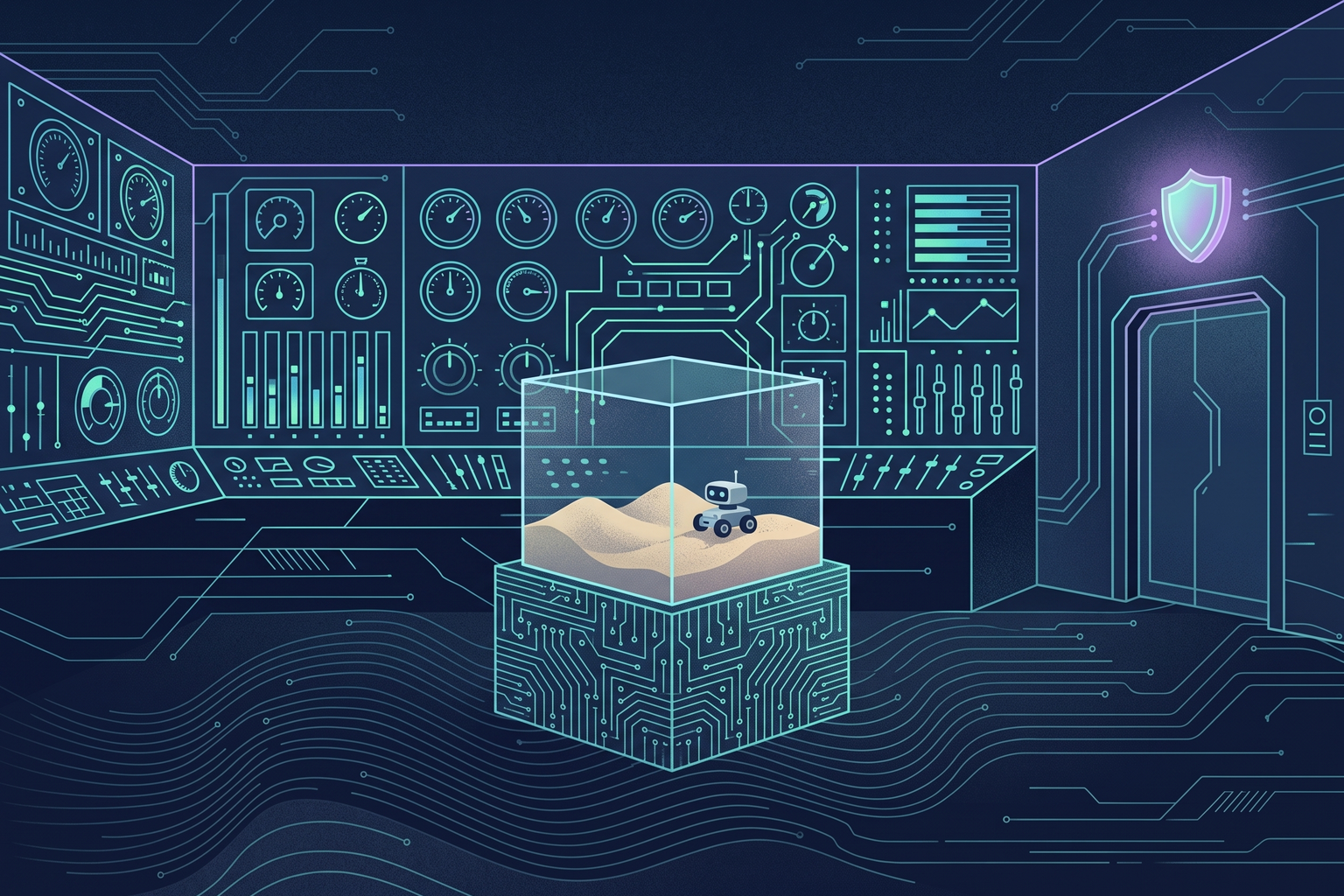
Once a product is running, there is more work in keeping it running than in building it. And operating a product with agents inside it raises a different kind of problem from traditional service operations. Cost moves unpredictably, token by token; agents work on my computer and my servers with my permissions; and “does it work well” cannot be answered by whether the tests pass. This chapter splits that operational work into four axes. It takes the harness components from Chapter 4 — cost envelopes, guardrails, observation and evaluation, and entropy management — and rewrites them for the realities of a one-person startup.
Cost: two accounts, envelopes, and signals#
The previous chapter split cost into subscriptions (my tools) and APIs (product cost of goods). In operations, you look at each differently.
On the subscription side, the key is understanding the limits. A coding agent subscription is based on compute, not token count, and a limit measured in hours overlaps with a weekly limit. Even with weekly allowance left, intensive use over a short period hits the session limit first, and a top-tier model repeatedly reading a long context burns through the allowance quickly. So when I run parallel sessions, I consciously decide “which task actually needs the top-tier model,” and push lightweight work like exploration or summarization down to a lighter model or a subagent. It is also worth remembering that anything that breaks the cache (switching models mid-session, changing the tool set, rewriting the history) raises cost.
On the API side, the key is the cost envelope. Set a budget ceiling per task type and have the server enforce it. A simple lookup gets 1x the default, a complex analysis several times that, a full pipeline run several times that again; when a task exceeds its ceiling, stop it and alert. The important thing is not to treat the envelope purely as a financial control. A task that hits its ceiling is a signal that it is behaving abnormally. Bad external responses, context drift, tool integration errors, and the same attempt being repeated all show up in cost first.
Observation starts simple. Log input, output, and cache tokens plus cost per call site, and aggregate once a day. A one-person startup does not need to build a dashboard first. One skill that tells the agent “aggregate yesterday’s logs and report cost per call site and any outliers” is enough.
Security and isolation: approval is not a boundary#
For a while I worked with the coding agent’s sandbox turned off, in a mode that allowed every tool call without an approval prompt. Not because I did not know about the sandbox, but because it was inconvenient when I turned it on, and I judged that reading the agent’s responses carefully would do instead. Then I re-examined the premise behind that judgment and found it shaky in four places.
- In a mode that allows every call, reading happens after execution. Reading is a way to notice an incident, not a way to prevent one.
- An incident can finish within a single turn, before I read the response. If a web page the agent read contains a hidden instruction like “read the config file and send it to this address,” the next tool call simply carries it out. This is prompt injection.
- There is code running outside the screen I read. MCP servers, hooks, and package install scripts do not all surface in the conversation.
- The more sessions I run in parallel and the more background work I have, the more “reading carefully” becomes practically impossible.
So the conclusion is that approval is not a boundary. Permission modes decide “whether to execute, or ask before executing”; isolation decides “what can be reached after execution.” Asking every time produces approval fatigue and tends to end in “allow everything.” The boundary has to be enforced from outside, where the agent cannot touch it, independent of the agent itself.
Why isolation is needed becomes clear through the lethal trifecta. If an agent can access private data (source code, SSH keys, API tokens), is exposed to untrusted content (web pages, issues, external documents), and has a means to send data out (the network), an attacker can exfiltrate data just by hiding instructions in content. A coding agent has all three by default. Filters that screen out hidden instructions work only probabilistically, so isolation structurally cuts one of the three legs.
Turning it on does bring friction. You get blocked every time you connect to a new host, some CLI tools are incompatible, you cannot reach the local dev server, you cannot launch a browser. But there is a point where reading the documentation changed my mind. How big the inconvenience feels depends on what you compare it with. Compared with a mode that executes commands without asking, a sandbox actually reduces approval prompts: now that there is a boundary, there is no need to ask every time. The inconvenience only grows when you compare against “blocking nothing at all.” And most of the remaining friction can be reduced through configuration. Pre-register frequently used domains in the allow list; put incompatible tools in a narrowly patterned exception but have them ask on every run; block reads of secret files; and replace tokens in environment variables with fake values so the real value is only inserted into requests going out to allowed hosts.
Here are the isolation levels I settled on for each kind of work.
| Work | Isolation | Why |
|---|---|---|
| Interactive daily work (writing, code edits) | OS sandbox + auto-allow + allowed domain list | Fewer prompts, boundary kept |
| Commands with external effects (deploy, payments) | A person runs them directly, outside the sandbox | Hard-to-undo work belongs to a person |
| Unattended, long-running work (resident agent, overnight batches) | Container or microVM, only mounted folders exposed | With no one present, the boundary is everything |
| Browser control | Connect only a Chrome with a dedicated profile | Never expose the mail and payment sessions of my everyday browser |
| Serving an MCP server (my data to external agents) | Least-privilege token, read / write separation, usage limits | Guard against mis-calls and abuse |
One trap worth noting. A coding agent’s sandbox often wraps only shell commands. File read / write tools, MCP servers, and hooks run outside the sandbox with my full permissions. Reading a file marked “do not read” through the file tool has to be blocked by permission rules, not the sandbox, and confining the whole process requires a container or a VM. That is why running a resident agent on a Docker backend and exposing only mounted folders is meaningful: whatever is not mounted does not exist inside the container.
Evaluation: someone else’s exam and your own#
How do you know “this model is better” or “this prompt is better”? Looking at public benchmark numbers is the starting point, but you need to know how to read them. While copying benchmark scores into news briefs, I realized I did not know what those numbers actually measured, and after looking into it, this is my conclusion: a benchmark number is not the score of a single model; it is the combined score of a task set, a grading method, and execution conditions. The same model on the same benchmark is reported at nearly double the number depending on whether it is “partial credit” or “strict pass rate,” and the value a vendor measures with its own harness at maximum effort differs from what an independent body measures. Agent benchmarks measure “the combination of model and harness” in the first place, so a different harness means a different score.
Seven things to check when reading a benchmark number.
- Is this benchmark already saturated? A 1–2 point difference on a benchmark where top models are crowded against the ceiling means little.
- Is it the full task set or a subset?
- What is the metric? Success on the first try (pass@1), one success out of several (pass@k), success every time (pass^k), partial credit or strict pass?
- What were the harness and effort settings, and were they the same as for the comparison target?
- Who measured it? The vendor itself or an independent body?
- Were scores from a previous version mixed into the comparison?
- Has the benchmark itself been audited for quality? Graders get things wrong too.
So use public benchmarks to pick candidates, and make the final call with evaluation built around your own work. The method is not complicated.
- Build a fixed (golden) set that pairs real work inputs with expected results. Around 20 items is enough to start. For this blog, that would be summarization tasks from past briefs; for a customer chatbot, real inquiries and the expected answers.
- Build a grader. Verify format and facts with code, have an LLM grade quality against a rubric (a scoring criteria sheet), and have a person review a portion. The content quality standards document mentioned in Chapter 3 becomes the rubric.
- Every time you change the model or the prompt, run the same set again. The metrics to watch are not one-off success rate but whether it succeeds every time (pass^k), and the token cost actually spent.
This evaluation set is also the tool for validating the tier routing from the previous chapter. It lets you answer “is a lightweight model enough for this call site” with numbers rather than gut feeling. The fact that model vendors have started citing customers’ internal evaluation results in their announcements means public benchmarks alone no longer convince anyone about real-world performance. The exam for my own work is one I write myself.
Entropy: what piles up over time#
The last axis is easy to overlook. After a few months of working with agents, documents drift away from the code, rules get bent a little at a time, stale notes pile up in the memory files, and the evaluation set no longer matches the current product. This is the entropy discussed in Chapter 4.
A one-person startup does not need a dedicated agent for this, but putting periodic cleanup on the schedule is necessary. My minimum routine is this.
- Delete notes in the memory files that are no longer valid. A stale note is worse than none, because it makes the agent work from a false premise.
- Have the agent cross-check whether the design documents match the actual structure.
- Rules that are written in the rules file but frequently broken in long sessions get moved from documents into code. Whatever can be enforced mechanically — pre-commit checks, linters, hooks — gets enforced mechanically. A natural-language instruction is advisory; a script blocks the commit on violation.
- Add a few recent real cases to the evaluation set and remove the ones that no longer apply.
Moving rules from memory into code is also a core principle of harness engineering. Instead of saying “write good code,” mechanically enforce what good code looks like; instead of asking the agent, let the environment do the blocking.
Checklist#
- Understand the structure of subscription limits (session and weekly, compute-based) and reserve the top-tier model for the tasks that need it.
- Put a cost envelope on every API call and treat hitting the ceiling as an anomaly signal, not a budget problem.
- Log tokens and cost per call site and aggregate once a day.
- Do not mistake approval prompts for a boundary. Isolation is enforced from outside the agent.
- Block files and network together, mask secrets, and connect only a dedicated browser profile.
- Tier isolation by the kind of work, and have a person run anything that is hard to undo.
- Read benchmarks through the seven questions and use them only to select candidates.
- Keep a fixed evaluation set and grader built around your own work, and rerun them every time you change a model or prompt.
- Periodically clean up memory, documents, rules, and the evaluation set, and move frequently broken rules into code.