What Do Feature Flags Actually Solve? Single-Branch Collaboration and the Myth of Google-Style Trunk Development#
2026-06-28
We once ran an experiment on one of our company’s web service repositories. Instead of the traditional process where each collaborator creates a working branch and opens a PR (Pull Request, the unit by which a change is reviewed before being merged into the main branch), everyone pushed directly to the default branch (develop).
This is something traditional development avoids, but the hypothesis was that in an environment where AI agents handle a large share of the work, the steps of creating branches and PRs might themselves be an unnecessary bottleneck. The expectation was that CI (Continuous Integration, the system that automatically builds and tests code as it is merged) would guarantee quality even without a human reviewing every change.
But once we actually applied it, problems surfaced. So we proposed a process change: “restrict direct pushes and go back to a PR-based flow.” A colleague who favored the single-branch approach then brought up the concept of feature flags. The gist was that companies like Google also share a single branch, and that the secret behind it is feature flags.
This essay starts from that conversation. It explains what feature flags are in plain terms, and examines whether they actually solve the problems that arose from single-branch direct pushes.
First, What Were the Problems?#
The problems we hit with single-branch direct pushes fell into roughly five categories.
- Concurrent write conflicts: When several people push to
developat almost the same time, it becomes similar to modifying a shared resource simultaneously without a lock. Merge order gets tangled. - CI that becomes after-the-fact verification: CI turns into a “check after the merge” rather than a “check before the merge.” When it fails, you have to clean up a shared branch that is already broken, which is expensive.
- Combination failures: Changes A and B may each pass on their own, but
develop+ A + B can still fail. It becomes unclear who is responsible and what needs to be verified. - Frontend/backend deployment timing mismatch: Two repositories need to deploy at the same time, but if one is delayed, compatibility can break.
- A shifting baseline during deployment: While
developis being merged intomainfor deployment,developkeeps changing, so the baseline of the code being deployed keeps shifting.
Keep these problems in mind as we look at feature flags.
What Is a Feature Flag?#
A feature flag (also called a feature toggle) is, in a word, a runtime on/off switch embedded in the code.
if (flags.isEnabled("new_checkout_ui")) {
  renderNewCheckout();   // new feature
} else {
  renderOldCheckout();   // existing behavior
}
The key point is that the value of flags.isEnabled(...) changes independently of code deployment. By changing the value in a configuration system or a remote config server, a feature turns on or off without redeploying.
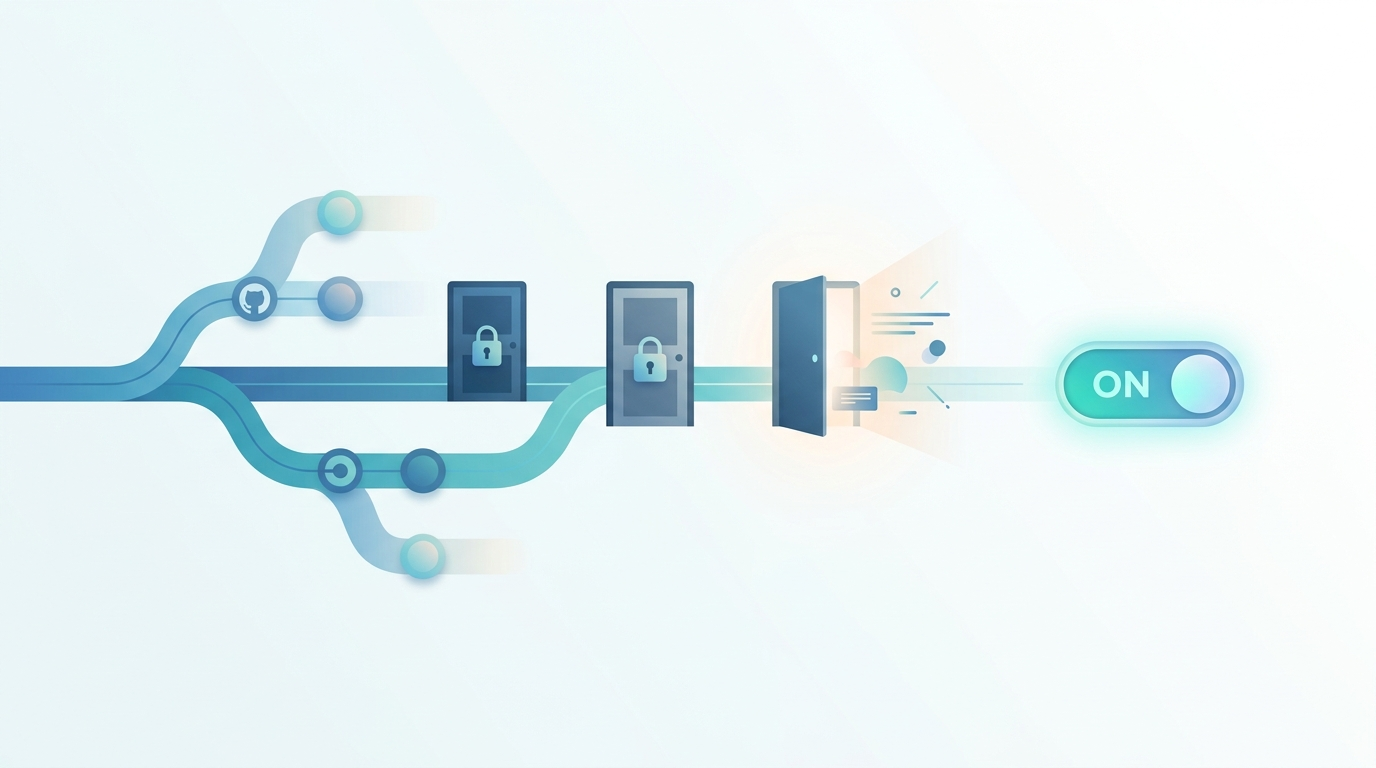
By analogy, it is like building all the rooms of a house in advance but keeping the rooms you are not ready to open locked. The rooms (code) are already inside the building, but no one can enter until you turn the key (the flag). When you want people to start using a new room, you don’t rebuild the house—you just turn the key.
Why Does Google Use Feature Flags?#
Google has many developers continuously commit to a single branch (often called the trunk or head) in one enormous repository—an approach known as trunk-based development.
For this kind of environment to work, even features that are not yet finished or are risky must be able to land on that one branch. So:
- Unfinished features are merged with the flag turned off. They are in the branch but invisible to users.
- When a feature is ready, the flag is turned on. It activates without a deployment.
- If something goes wrong, the flag is turned off. It can be reverted instantly (a kill switch).
The most important concept here is the “separation of deploy and release.”
| Term | Meaning |
|---|---|
| Deploy | Code goes onto the servers. At this point the flag is off, so users see no change |
| Release | The flag is turned on so users actually start using the new feature |
Separating these two lets you push code in advance and adjust only the release timing separately. Gradual rollouts (1% → 10% → 100%), A/B testing, canary deployments, and instant rollbacks all come from this.
A Common Myth: Single Branch = Direct Push Without Verification?#
The colleague’s point that “Google also uses a single branch” is true. But an important misconception is hidden here. Google’s trunk-based development is by no means “direct push without verification.”
Before code is committed to that single branch, Google enforces the following:
- Mandatory code review for every change — nothing can land without approval.
- Pre-submit tests — automated verification must pass before the change enters the branch.
- A submit queue — verifies the actual combination that will be merged and lands changes in order.
In other words, Google’s “single branch” runs on top of a gatekeeper that lines changes up and inspects them before they land. This is essentially the same structure as the “PR pre-verification + submit queue” we proposed to improve the direct-push approach. Feature flags are just a separate tool layered on top.
Put differently, Google’s example is not an argument in favor of direct pushes; if anything, it supports the proposal to adopt PR-based pre-verification. Even Google does not do direct pushes without verification.
Without Working Branches or PRs, How Is Verification Done?#
A natural question arises here. If Google does not use the approach of creating working branches and opening PRs, then what exactly is being reviewed, and what is being pre-verified?
First, let’s be clear about something logically. “Direct push to a shared branch” and “verification before merging” cannot hold at the same time. The moment code lands on a shared branch, verification is by definition after-the-fact. So to review and verify before merging, there must be an isolated space where the change rests before it touches the shared branch. In the git world, that isolated space is “working branch + PR”; at Google, there is a separate mechanism that plays the same role under a different name.
Google uses its own version control system rather than git, but if you lay its change flow side by side with git/GitHub, they overlap almost one-to-one.
| Google’s unit | Role | git/GitHub equivalent |
|---|---|---|
| Workspace (personal work area) | Where a change lives. Not yet on the shared branch (trunk) | Working branch |
| CL (Changelist, a bundle of changes) | The unit of review and submission | PR |
| Code review tool | Cannot submit without approval | PR review |
| Pre-submit tests | Automated verification before landing on trunk | required checks |
| Submit | Lands a verified change onto trunk | merge |
Written as a flow, it becomes clear that both sides are essentially the same structure.
[Google] change in personal workspace (CL) → review approval → pre-submit passes → submit to trunk
[GitHub] change in working branch (PR)     → review approval → required checks pass → merge to main branch
A CL is a PR, a personal workspace is a working branch, and pre-submit verification is required checks. Only the names and tools differ.
So what “trunk-based development” means is not that the verification step is removed, but that the lifetime and size of divergent branches are reduced. The problem with the traditional approach was never “branches and PRs exist,” but “branches live for weeks and drift away from the shared branch.” Trunk-based development splits changes into small pieces and merges them frequently—often within a day—to close that distance. It does not remove the gatekeeper of review and pre-verification.
In conclusion, “doing direct pushes without PRs while still pre-verifying” is a combination that cannot exist. Pre-verification requires an isolated unit where a change rests, and that unit is precisely a PR (or Google’s CL).
What Feature Flags Solve and What They Don’t#
So do feature flags solve the five problems we laid out earlier? The key is that feature flags and git collaboration problems operate at different layers. A feature flag is a tool for runtime behavior—deciding “whether to run this code path”—whereas most of the problems above are about git concurrency and verification: “how does code get into the shared branch?”
| Problem | Solved by feature flags? | Why |
|---|---|---|
| Concurrent push conflicts | ❌ Mostly not | A flag is just a conditional in the code; it has nothing to do with conflicts or ordering when two people push at once |
| CI becoming after-the-fact | ❌ Not at all | If broken code lands, the build and tests break regardless. A flag can’t prevent “the shared branch is in a broken state” |
| Combination failures | 🔸 Partially | If two features are each isolated behind flags, runtime conflicts decrease, but build, type, and integration failures still occur |
| Frontend/backend deploy timing | ✅ Core fix | This is the flag’s main job. Deploy the backend first (flag off), deploy the frontend, then turn the flag on—safely aligned |
| Shifting baseline during deploy | 🔸 Indirectly eased | Separating deploy and release relaxes the “deploy = instant exposure” tension, but the merge-ordering problem itself remains |
The three that hurt the most—concurrent conflicts, after-the-fact CI, and combination failures—are almost untouched by feature flags. These are fundamentally problems of git’s merge model and the timing of CI runs. A flag is a switch that decides “whether to show a released feature to users,” whereas what we needed was a gatekeeper that lines code up and inspects it before it enters the shared branch. The two do different jobs.
Where Feature Flags Truly Shine#
Conversely, for the problem of frontend and backend deployment timing, feature flags are the textbook solution. Deploying two repositories at the exact same moment to align timing is tricky, but with feature flags, simultaneous deployment becomes unnecessary.
- Deploy the new API to the backend first, with the flag off. No one calls it yet.
- Deploy the frontend later, at your leisure.
- Once both are ready, just turn the flag on. The new feature activates everywhere at that moment.
Because deployment order and timing are decoupled from code release, the constraint of “must deploy at the same time” disappears entirely. This part is well worth adopting regardless of the branching-strategy debate.
Conclusion: It’s Not Either/Or#
Feature flags and PR-based pre-verification are not a matter of choosing one or the other. They are tools along different axes, and they belong together.
- The problems that hurt the most in single-branch direct pushes—concurrent conflicts, after-the-fact CI, combination failures—can only be solved with PR pre-verification and a submit queue. The real reason Google runs on a single branch is also these gatekeeping mechanisms, not feature flags.
- Feature flags don’t solve those problems, but they add a different kind of value: separating frontend/backend deployment, gradual releases, and instant rollbacks. That is worth adopting unconditionally.
To the colleague, it’s worth framing it this way: feature flags are a great tool and we should adopt them too—but they are not grounds for justifying direct pushes without verification; they are a separate tool for deployment separation and gradual releases. The secret to Google running on a single branch is not the flags but the review, tests, and queue that happen before merging—which is exactly what we proposed adopting via PRs.
Adopting a good tool and knowing exactly which problem that tool solves are two different things. Feature flags are clearly powerful, but they earn their keep only when we draw a clear line between the problems they solve and the problems they don’t.