Formula Calculator — A Calculator That Saves Your Own Formulas

Formula Calculator — A Calculator That Saves Your Own Formulas#
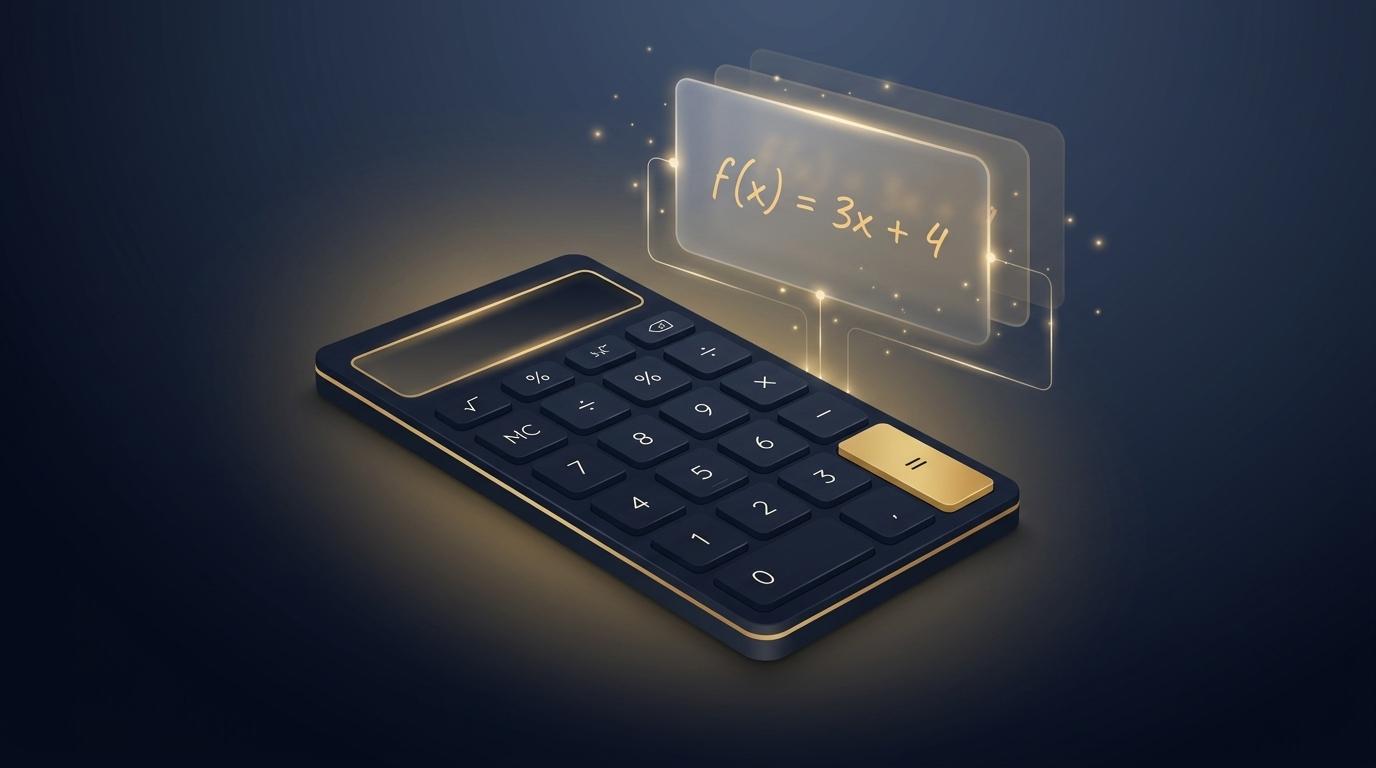
Formula Calculator — a calculator that saves your own formulas

The original goal of this widgets corner was to build tools that are actually useful in everyday life. Turning a keyboard into a piano or flinging letters into the sky was fun, but honestly none of it was a “tool I’d use every day.” With this calculator, though, I finally feel like I’ve made something genuinely useful.

Tools

Tools#

Small utilities that make input a little easier or help with tiny tasks. Pick one from the left sidebar and try it.

No Look Keyboard — Type Without Looking

No Look Keyboard — Type Without Looking#

No Look Keyboard — pick letters with 8-direction gestures

No Look Keyboard is an Android keyboard I built and shipped on Google Play back in 2012. It started from a simple frustration: “Texting on a shaky bus made me motion-sick — what if you could type using only the feel of your finger, without looking at the screen?”

Instead of tapping tiny keys precisely, you pick letters with big directional gestures (rubbing). Press and hold the input pad, rub toward one of eight directions to select the first letter of that direction’s character set, and rub back the other way without lifting to move to the next letter in the set. A plain tap (press and release) — without rubbing — switches the keyboard type (Hangul → numbers → symbols → Latin).

Piano Keyboard — A Keyboard You Play Like a Piano

Piano Keyboard — A Keyboard You Play Like a Piano#

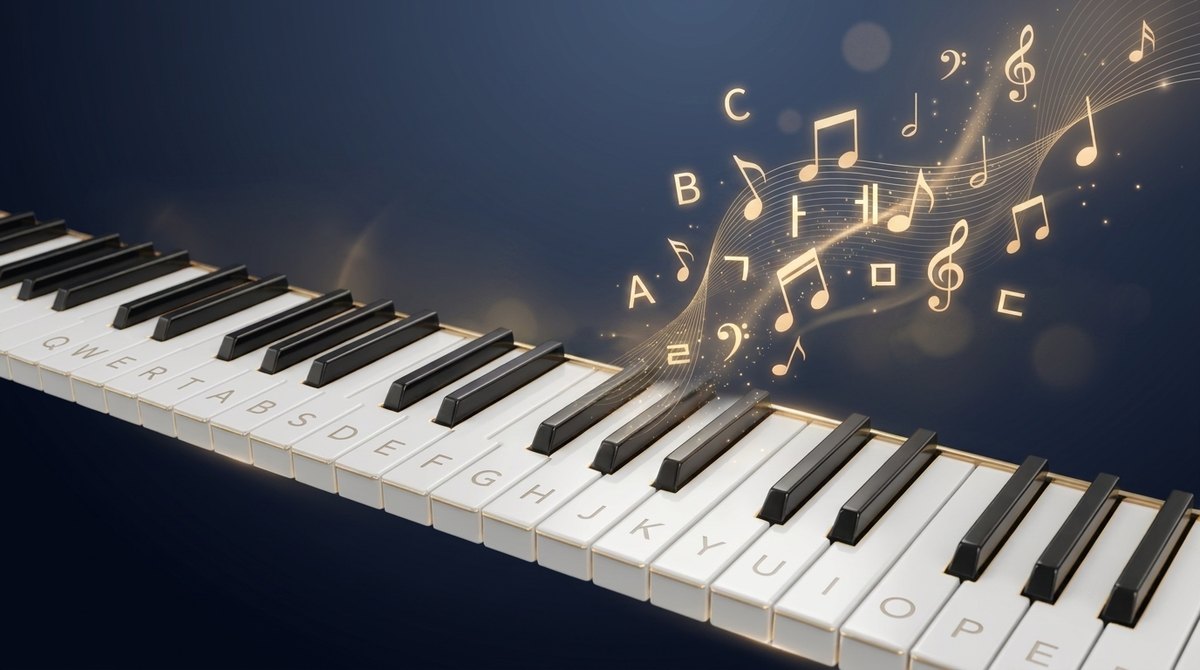
Piano Keyboard — a keyboard that plays a song as you type

Piano Keyboard is an Android keyboard I built and shipped on Google Play back in 2011. It was a reaction to my earlier No Look Keyboard, which was “conceptually interesting but too hard to use in practice.” This one aimed for low learning cost and immediate fun.

The idea is simple: turn the screen into a piano and place a letter on each key. Then typing feels like playing the piano. In the default mode (Song mode) the app picks one stored melody and plays its next note with each keystroke — so when you type quickly, familiar tunes like Twinkle Twinkle, Für Elise, or Canon come out. Composing a message becomes “a little performance.”

© 2026 Ted Kim. All Rights Reserved. | Email Contact