Piano Keyboard — A Keyboard You Play Like a Piano#
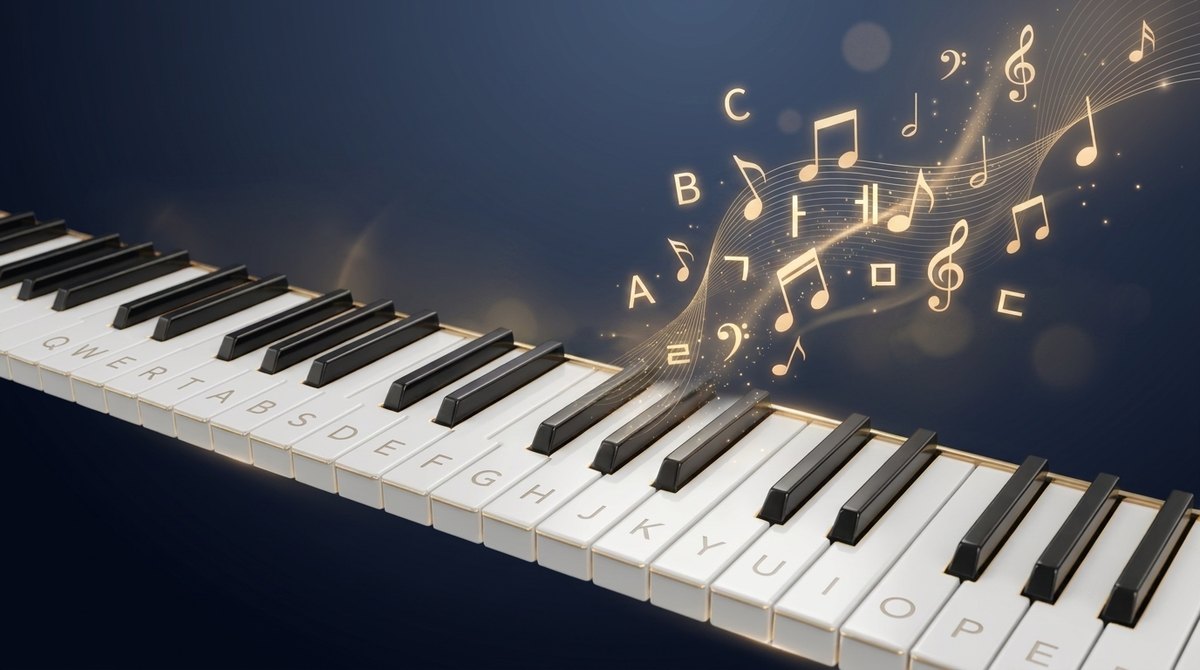
Piano Keyboard is an Android keyboard I built and shipped on Google Play back in 2011. It was a reaction to my earlier No Look Keyboard, which was “conceptually interesting but too hard to use in practice.” This one aimed for low learning cost and immediate fun.
The idea is simple: turn the screen into a piano and place a letter on each key. Then typing feels like playing the piano. In the default mode (Song mode) the app picks one stored melody and plays its next note with each keystroke — so when you type quickly, familiar tunes like Twinkle Twinkle, Für Elise, or Canon come out. Composing a message becomes “a little performance.”
Reception was mixed (“fun, but more inconvenient than a regular keyboard”). The conceptual unfamiliarity created friction, and the cost of keeping up with Android updates eventually led me to pull it from the store. Still, the idea was distinctive enough that I revived its key input, the original Hangul composition engine, and the performance sound as a web widget. (The background and a retrospective live in the Piano Keyboard archive post.)
How to use — ① Tap a key to type a letter and hear a note. ② Drag your finger across keys to type each one you pass over (Hangul ㅘ = hold ㅗ and slide to ㅏ; ㅛ = press ㅗ twice). ③ Use the top [⌨] button to switch Latin/Hangul/Symbols, and ⇧ for capitals, double consonants, and alternate symbols. ④ The bottom row is [Rep] [Space/Commit] [⌫] [⏎] [⇧]. ⑤ The 🎵 button picks Song / Note / Muted sound.